Regular maintenance of your pool is essential for keeping your water clear and clean. However, despite your efforts, it can happen that your pool water turns green.
As a general rule, this phenomenon is caused by thealgal bloom, favored by conditions such as high temperatures, chemical imbalance in the water, or insufficient filtration. Fortunately, there are effective solutions to quickly restorehealthy waterand bring your pool back to its former glory.
Discover the steps to effectively treat agreen swimming pool.
Why is my pool water green?
Whenyour pool water turns green, it indicates the presence of algae. Several factors can promote this proliferation:
– An insufficient disinfectant level: Disinfectants like chlorine and bromine are essential for maintaining aclean and healthy pool. And for good reason, they destroy bacteria, viruses, and algae present in the water. If thechlorineor bromine level is too low, algae can grow freely.
– Anunbalanced pH: The pH of the water, which measures its acidity or alkalinity, is crucial for the effectiveness of disinfectants. A pH above 7.5 can make disinfectants less effective and promotealgae growth.
– Inefficient filtration: A high-performance filtration system is essential for maintaining thecleanliness of pool water. Filters remove impurities and suspended particles, including algae. If the filter is clogged or poorly maintained, algae can proliferate.
– High temperatures: Heat is a key factor in thedevelopment of algae. High temperatures, responsible for increasing water temperature, acceleratealgal growth.
– Stagnant water: Poor water circulation can create stagnant areas where algae can thrive undisturbed.
– Organic debris: Leaves, twigs and other organic matter falling into the pool provide nutrients to the algae, promoting their growth.
– Exposure to sunlight: Finally, sunlight promotes photosynthesis in algae, allowing them to grow more quickly.
By understanding these factors and taking appropriate measures, you can effectively prevent and treatalgal blooms in your pool.
Swimming pool: the water is green, what to do?
Summer is fast approaching and you discover thatyour pool water has turned green. Don't panic! There are several solutions to getclean and healthy waterback quickly.
1. Analyze the pool water
Start by analyzing the water parameters using test strips or an electronic tester. Here are the essential elements to check if you want to restorewater balance:
– Adjust theTAC (Total Alkalinity): The TAC should be between 80 and 120 ppm (parts per million). If the TAC is unbalanced, add the corrective product all at once in a corner of the pool with the filtration stopped. Then restart the filtration for 24 hours to thoroughly mix the product into the water.
– Adjust thepH level: The water's pH should be between 7 and 7.4. To do this, use pH Minus or pH Plus (depending on the result obtained). Dilute the product in a watering can and pour it slowly in front of a return jet with the filtration running. Repeat the process in increments of 0.2 until the desired pH is reached.
– Check theTH (Hydrotimetric Title): The TH, which measures water hardness, should be between 100 and 200 ppm. If the TH is too high (above 300 ppm), use a limescale sequestrant to prevent limescale buildup and protect your equipment.
2. Perform shock treatment
The second step is to perform ashock treatmentusing the appropriate disinfectant, such aschlorine shockorbromine shock. If your pool is treated with chlorine, you will need to use a chlorine shock treatment.
Here are the steps to follow to ensure the effectiveness of the treatment:
– Treatment preparation: Measure theamount of shock chlorineorshock brominerecommended for your pool. This dosage depends on the volume of water in your pool and the concentration of the product.
– Application of treatment: Spread the shock treatment product evenly over the entirepool water surface. It is often recommended to dilute the product in a bucket of water before pouring it to avoid too high a concentration in one spot.
– Activate filtration: Put yourfiltration systeminto forced operation and let it run continuously for 48 to 72 hours. This step is crucial as it ensures the water circulates constantly, thereby ensuring that the treatment is well distributed throughout the pool.
– Monitoring and adjustments: During this period, regularly monitor thecondition of the water the operation of the filtration. If necessary, clean the filter to prevent it from becoming clogged with algae residue.
Attention, thefiltrationmust run continuously throughout theshock treatment period. If the filtration system stops, even temporarily, this can compromise the effectiveness of the treatment and you may have to restart the process.
3. Thoroughly clean the pool
To permanently eliminate algae and fully enjoy your pool, you will then need to thoroughly clean the pool. Start by vigorously brushing the walls and bottom of the pool to loosen and remove dead algae. Use a brush suitable for your pool's coating so as not to damage it.
Also clean the skimmer filter and basket to ensure optimal water circulation. For pools equipped with asand filter, perform a backwash and rinse of the filter to remove accumulated impurities. This will allow your filtration system to operate efficiently and prevent further algae growth.
Add algaecide
Is your pool properly cleaned? It's time to applyan anti-algae treatmentto prevent any new growth. Algicide is a chemical product designed to kill and prevent algae proliferation. Generally, it is recommended to add 1 liter of algicide per 100 m³ of water.
For effective application:
– Dilution and distribution: Dilute the algaecide in a bucket of water, then pour it evenly around the pool, near the return jets if possible, to ensure even distribution.
– Action time: Let the anti-algae product act for 6 to 12 hours. Make sure your filtration system runs continuously for 24 to 48 hours.
For personalized advice, do not hesitate to consult pool maintenance experts.
Use flocculant
To clarifygreen pool water, usingflocculantis an essential step. Flocculant is a chemical product that helps to clump together fine suspended particles in the water, responsible for the turbidity and thecloudy appearance of the water.
Once the solution is poured into your pool water, let the filtration run for 24 hours before finishing with a backwash and rinse of thesand filter.
Do you have acartridge filter system? Be careful, flocculation can damage it. Make sure to get special flocculants that do not degrade your equipment.
Now you can enjoy your swimming pool!
How to stop pool water from turning green?
As the saying goes, “prevention is better than cure.” To preventyour pool water from turning green during the swimming season, just follow these steps:
Perform regular testing
Frequently monitor thepH levelsand sanitizer levels to maintain optimal water balance. Regular testing ensures sanitizers remain effective and the water stays clean and healthy.
Clean the filter
Ensure that yourfiltration systemworks effectively by regularly cleaning your filter. This prevents the buildup of debris and impurities that could encouragealgal blooms, thus contributing to clear and sparkling water.
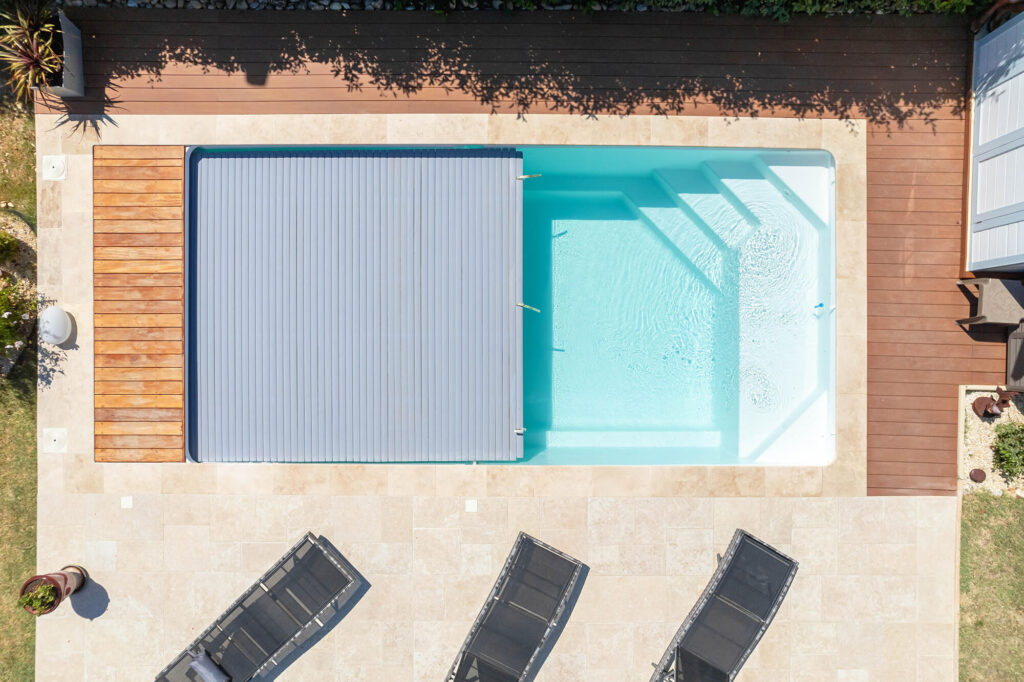
Use a tarp
Protect your pool by using a cover to prevent debris from falling into the water and reduce sun exposure. This helps limit thealgae growthby blocking some of the sunlight needed for them to grow.
Add anti-algae to your daily treatment
Incorporate a few dropsof algaecideinto your dailywater treatment routineto prevent algae growth. This proactive measure will keep your pool water consistently clear and algae-free.
By following these steps, you can preventyour pool water from turning greenand enjoy crystal-clear water throughout the swimming season. If problems persist, do not hesitate to contact the experts at Aboral Piscines for additional, personalized advice.
Configure your pool online Back to all news